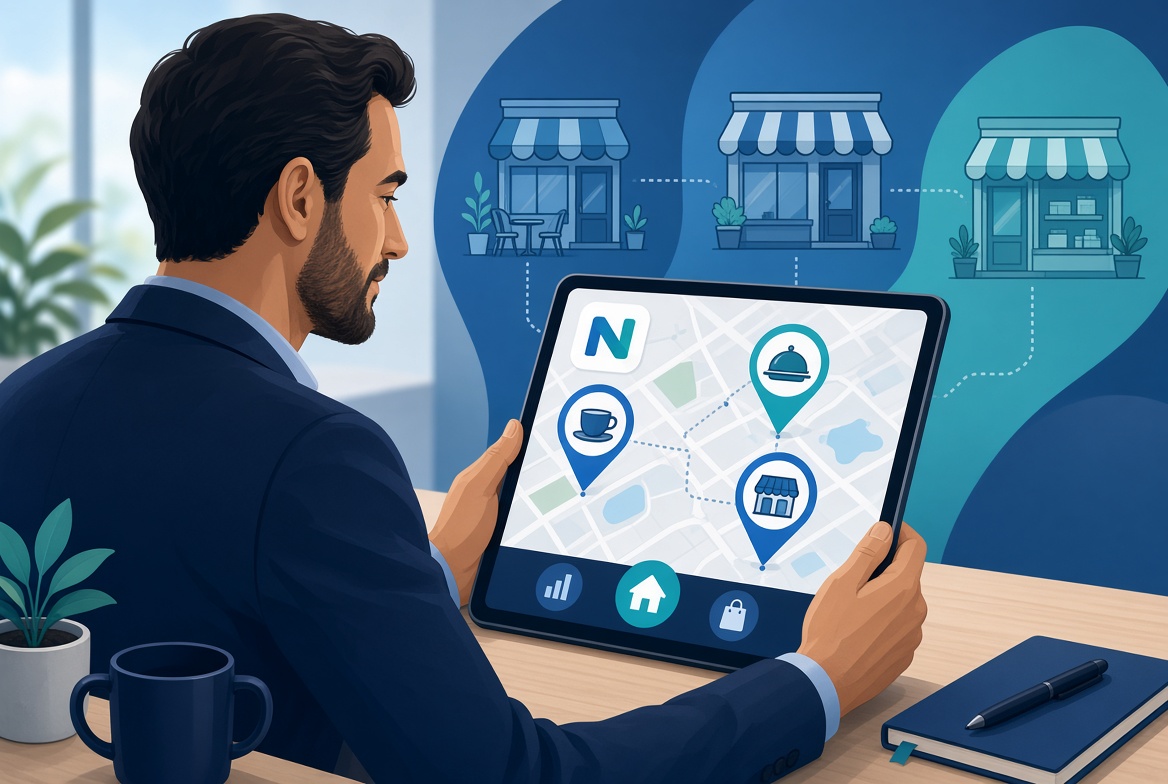
Run a cafe, a restaurant and a retail corner from one account. Switch the active location, keep each floor’s menu and stock separate, and still see the numbers that matter.
When a second site opens, most owners juggle two WhatsApp groups, two spreadsheets and two sets of staff logins. Orders get mixed, stock counts drift, and the end-of-day total has to be added by hand. NHY’s multi-location support on the Professional plan keeps each store distinct while letting the owner move between them in a few taps.
Each location keeps its own menu items, tables, orders and inventory. The owner still sees combined reports when needed and can ask the WhatsApp assistant about any site. The limit is three locations on Professional; other plans remain single-location.
Multi-location management is available on the Professional plan, which allows up to three locations. All other tiers are limited to one location.
| Plan | Locations |
|---|---|
| Free | 1 location |
| Basic | 1 location |
| Professional | Up to 3 locations |
| Enterprise | 1 location |
| Enterprise Plus | 1 location |
Product, order, staff and table limits continue to apply to the whole account. Switching locations does not create extra quota. The WhatsApp assistant can list locations and report on the current one when the feature is enabled.
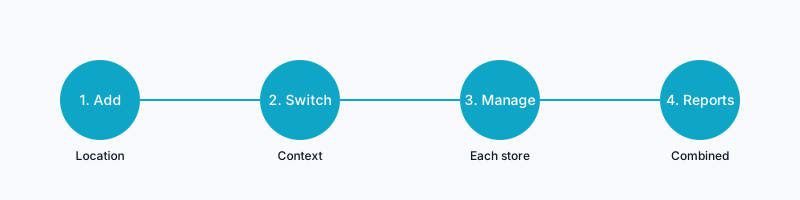
A café owner opens a second counter inside a neighbouring office building. On the Professional plan she adds the new location, copies the core menu, and sets a different set of opening hours. In the morning she switches to the office site, rings up the breakfast orders, and marks the cold-brew sold out only at that location. At lunch she switches back to the original café, sees the kitchen tickets that arrived while she was away, and checks that the combined daily total is already visible on the dashboard.
Can I share one menu across locations?
Yes. You can copy items when you add the second location, then edit prices or availability independently afterwards.
Does the WhatsApp assistant know which location I mean?
Yes. You can ask it to list locations or to report on the current one. Changes still require confirmation.
What happens if I reach the three-location limit?
The app and assistant prevent adding a fourth. Contact support if your operation needs a different arrangement.
Start on the Free plan and upgrade when your store needs more.
See plans and pricingOpen the web appGet it on Google PlayDownload on the App Store