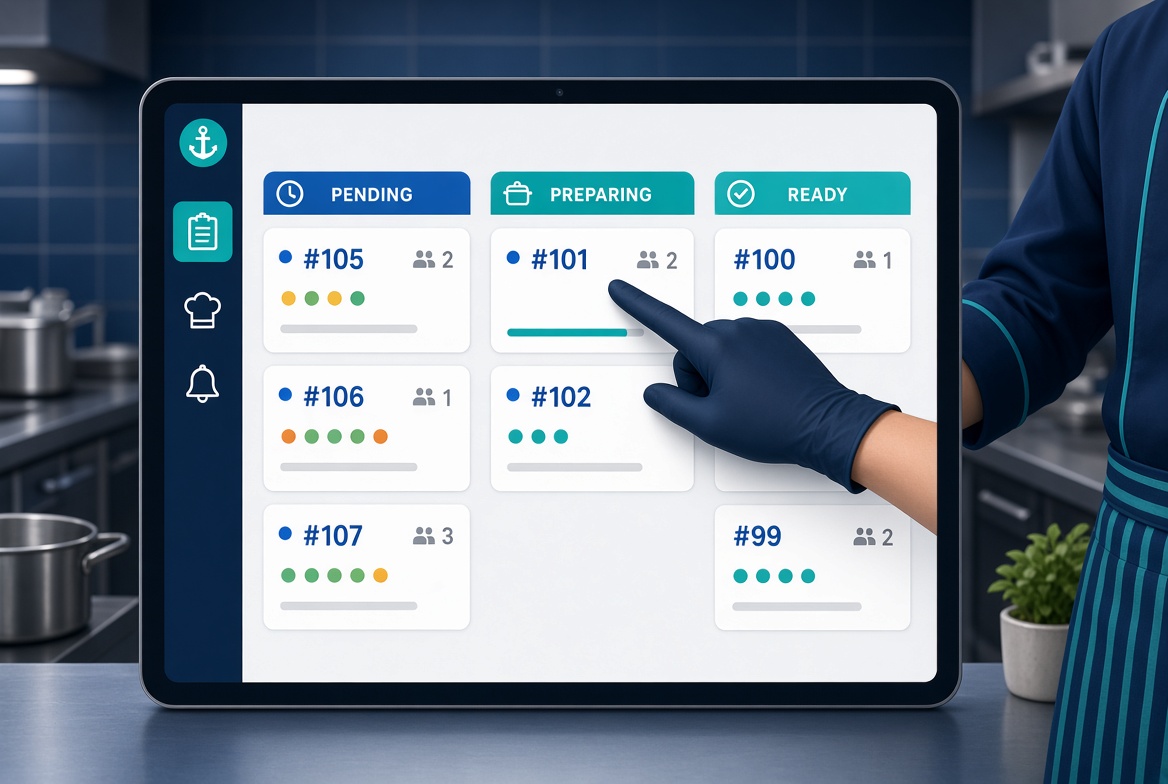
Open the Kitchen screen in the NHY app to see every active order ticket, move it from Pending through Preparing and Ready to Completed, and keep the pass clear — on any plan.
When an order arrives from a table QR code or the counter, the kitchen needs to see it immediately and mark progress without shouting across the pass or checking paper dockets. The NHY Kitchen board shows live tickets on any tablet or phone running the app and lets staff advance each one with a single tap.
The screen is available on Free, Basic, Professional, Enterprise and Enterprise Plus. It uses the same order pipeline already familiar from the order history and ring-up screens. Dedicated kitchen display stations (KDS) remain a separate capability unlocked on Professional plans and above.
A busy lunch service produces several tickets at once. Without a shared live view, the kitchen relies on printed slips that get lost or on staff walking to the POS to check status. Guests wait longer, and the pass becomes confused about which plates are ready. The Kitchen board removes that friction by placing every active ticket on one screen that updates in real time and lets the cook or expediter move the ticket forward in place.
Completed tickets leave the active view. You can still find the full order later in Order History if you need a receipt or details.
A café receives three QR orders during the morning rush. The cook opens the Kitchen board on a wall-mounted tablet. Ticket #42 for Table 3 (two breakfast plates) shows as Pending. She taps Start Preparing. A few minutes later she marks it Ready. The server sees the Ready status and delivers the plates. The next ticket is already visible and highlighted because it has been waiting longer. No paper is printed and no one leaves the kitchen to check the POS.
The in-app Kitchen board is included on every tier. There is no separate monthly quota for viewing or advancing tickets. Order placement still follows the existing monthly order limits of your plan.
| Plan | Kitchen board | Dedicated KDS stations |
|---|---|---|
| Free | Included | Not included |
| Basic | Included | Not included |
| Professional | Included | 1 station |
| Enterprise | Included | Unlimited stations |
| Enterprise Plus | Included | Unlimited stations |
Stations are configured separately when your plan includes KDS. The Kitchen board works with or without stations; when stations exist you can filter the view. Real-time updates rely on the app’s connection; a brief network interruption falls back to the ten-second poll so the board stays usable.
No. The Kitchen board is the in-app view available on every plan. Dedicated KDS stations are an additional capability on Professional plans and higher that route tickets to specific stations.
Yes. Roles that can view and update kitchen tickets (typically kitchen staff and managers) see the screen. Exact permissions follow your team role settings.
The board continues to poll every ten seconds once the connection returns. New tickets and status changes appear as soon as the server responds.
No. Any phone or tablet running the NHY app can open the Kitchen screen. Many owners simply leave a tablet on the pass.
Open the NHY app, go to the Kitchen screen, and advance your next ticket without leaving the kitchen.
Open NHY web appStart on the Free plan and upgrade when your store needs more.
See plans and pricingOpen the web appGet it on Google PlayDownload on the App Store